Google Business Profile optimisation for local rankings
For local searches, the map results often matter more than the website. Google ranks them on relevance, distance and prominence. Your Business Profile controls much of the relevance part, and a few settings matter far more than the rest.
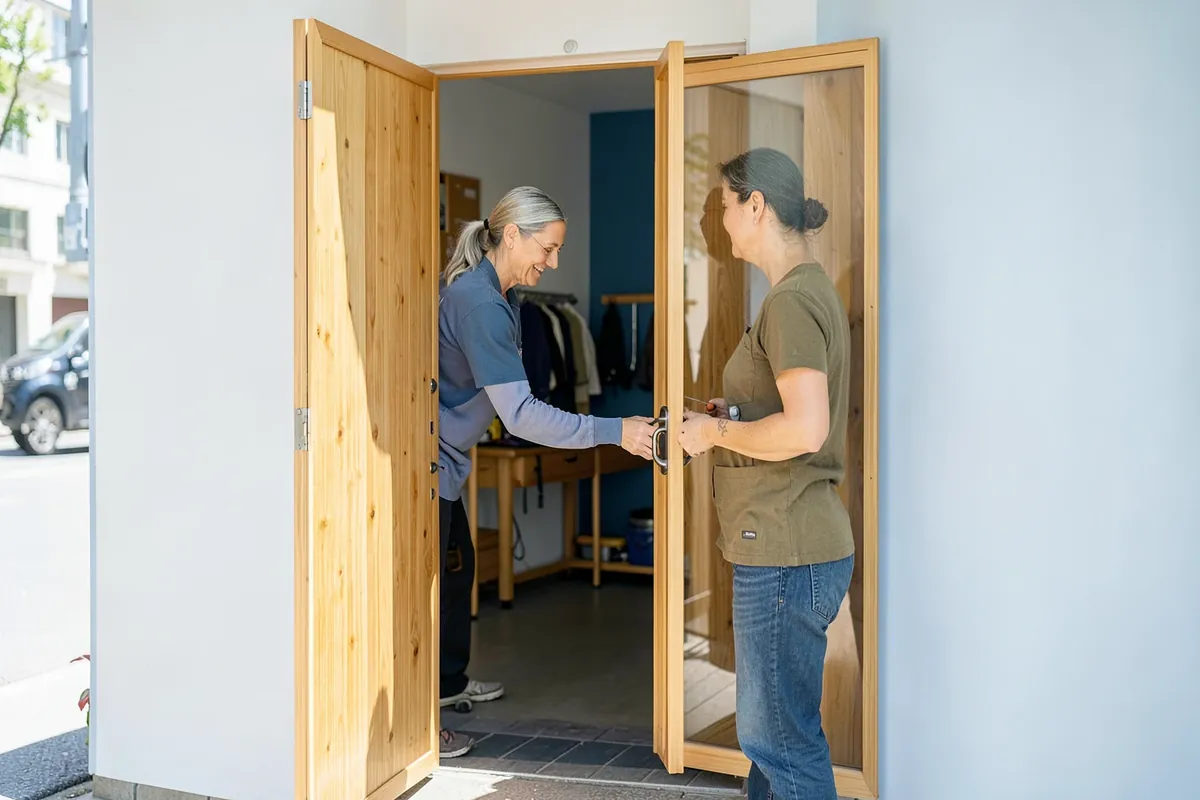
For a dentist, a plumber, a bakery or a bike shop, the most valuable search result is often not a web page. It is the local pack: the map with three businesses below it, shown for searches like "bike repair near me" or "dentist in Leith". Those listings come from Google Business Profile, Google's free business listing, combined with information Google gathers from the rest of the web. A good website helps, but a neglected profile can keep even a well-reviewed business out of the pack.
How local rankings work
Google describes three main factors for local results:
- Relevance: how well the profile matches what the person searched. Categories, services, the business description and the content of the website all feed this.
- Distance: how far the business is from the searcher's location or the location in the query. You cannot change this, which is why the same business ranks differently across a city.
- Prominence: how well known the business is. Reviews (count and rating), links and mentions across the web, and the strength of the website contribute.
Most of what you can do falls under relevance and prominence. The profile settings below mostly serve relevance; reviews and citations, covered in separate guides, serve prominence.
Categories: the most important setting
The primary category tells Google what the business is, and it has more influence on which searches you appear for than any other field. Choose the most specific category that describes the core business: "Bicycle repair shop" rather than "Store" or "Sporting goods store" if repairs are the main trade.
Additional categories cover other real parts of the business ("Bicycle store", "Bicycle rental service"). Add only categories that genuinely apply; irrelevant ones do not help and can confuse.
A practical check: search your main service in your area and look at which primary categories the businesses in the local pack use. Competitor profiles can be inspected with browser extensions or simply by noting the category shown under their name. If they all use a category you did not consider, check whether it fits you.

Name, address and service area
- Name: exactly the real-world business name, as on the shopfront and invoices. Adding "Best Bike Repair Edinburgh" to the name is against Google's guidelines, can be reported by competitors, and risks suspension. If your legal name genuinely contains a keyword, that is allowed.
- Address: the real location where customers are served, with consistent formatting. Virtual offices and mail-drop addresses are not eligible.
- Service area: businesses that visit customers (plumbers, cleaners, mobile mechanics) should hide their address and set the areas they serve. Set realistic areas; listing every city in a region does not make you rank in all of them.
- Consistency: the name, address and phone number should match your website and major listings. See local citations and NAP.
Hours, phone and website link
Accurate opening hours matter more than they seem. Google may show "Closed" or "Opens soon" in results, and some searches favour businesses that are open now. Set special hours for holidays in advance. Use a local phone number customers can actually reach. For the website link, point to the most relevant page: for a single-location business, usually the home page; for a multi-location business, the specific location page. The location pages guide explains how to build those.
Services, products and description
List your services with short descriptions and, where it makes sense, prices. Services help both users and relevance: a bike shop that lists "e-bike battery diagnostics" gives Google a reason to show it for that search. For retail, the products section can display key items with photos.
The business description should explain plainly what you do, for whom and where, in normal language. Keyword stuffing does not help and reads badly. Avoid URLs and promotional claims, which the guidelines restrict.
Photos, video and updates
Photos influence whether people choose you once they see the listing. Upload real photos: the exterior (so people recognise the place), the interior, the team at work, products and completed jobs. Keep them current. Short videos work too. Updates (posts) are useful for offers, events and news, and they show that the business is active; their direct ranking effect is unclear, so treat them as a conversion tool.
Reviews
Review count, rating and recency influence both prominence and whether people click. Ask every satisfied customer, make it easy with a direct review link, and reply to reviews, especially negative ones. Never buy reviews or offer incentives for positive ones; it breaks Google's policies and, in many countries, consumer protection law. The reviews guide covers this in depth.
The website still matters
Google uses your website to confirm and enrich what the profile says. A site with a clear page for each main service, the address and phone in text (not only in an image), embedded map, opening hours and LocalBusiness structured data supports the profile. Local businesses often have thin websites with one page; adding genuinely useful service pages is one of the more reliable ways to improve relevance. A quick SEO check of the site catches basic problems such as a missing title, no HTTPS redirect or a noindex left by the web designer.
Multi-location businesses
Businesses with several branches need one profile per location that customers can actually visit, each with its own address, phone number, hours and photos. Manage them together under a business group so that changes such as holiday hours can be applied in bulk. Each profile should link to its own location page on the website, not to the home page. Resist the temptation to create profiles for places where you only have a desk or a postbox; ineligible locations are a common cause of suspensions, and suspensions sometimes spread attention to the rest of the account.
Branch staff are often the best source of photos and reply-ready knowledge for reviews. Give each location manager access with an appropriate role rather than sharing one login.
Keeping the profile accurate
Business Profiles can be edited by more than the owner. Google accepts suggested edits from users and may update information it finds elsewhere on the web, such as hours from an old directory listing or a phone number from a supplier's site. Most changes are harmless; some are wrong, and occasionally a competitor suggests a change in bad faith. Log in regularly, review any pending or applied updates, and correct errors with a note. Keeping your website and main directory listings accurate reduces the number of conflicting sources Google sees in the first place.
Common problems and fixes
| Problem | Likely cause | Fix |
|---|---|---|
| Not appearing for the main service | Wrong or generic primary category | Change to the most specific accurate category |
| Profile suspended | Keyword-stuffed name, ineligible address, policy violation | Correct the issue and request reinstatement with evidence |
| Duplicate listings | Old profiles from previous owners or moves | Request that duplicates be merged or removed |
| Wrong information shown | Edits suggested by users or pulled from other sources | Check the profile regularly and correct changes |
| Ranks only very close to the premises | Distance dominates; prominence is weak | Build reviews, local links and citations over time |
Measuring local performance
The Business Profile performance view shows how many people found the profile and what they did: calls, direction requests and website clicks. Tag the website link with campaign parameters so visits from the profile are separated from other organic traffic in analytics. Because local rankings vary block by block, a single "rank" for a local keyword means little; grid-based local rank trackers that check from many points across your area give a more realistic picture.
Check the profile monthly: confirm the information has not been changed by user suggestions, add new photos, reply to reviews, and update services and hours as the business changes.
Questions
What matters most in a Google Business Profile?
The primary category is the single most influential choice. After that: an accurate name, address or service area, hours, a complete list of services or products, and steady reviews. Photos and updates help users more than rankings.
Can I add keywords to my business name?
No. Google's guidelines require the name to match the real-world business name as used on signage, stationery and branding. Adding keywords or locations can lead to suspension, and competitors can report it.
Should a service-area business show its address?
If customers do not visit your premises, hide the address and set a service area instead. Showing a home address as a storefront is against the guidelines.
How long does it take for changes to affect rankings?
Changes to categories and information are usually reflected within days to a few weeks. Prominence factors such as reviews and links build over months.
Keep reading

Local citations and NAP consistency
Citations (mentions of your business name, address and phone number across the web) help search engines confirm that a business is real and…

Reviews and local SEO: getting, answering and using them
Reviews affect both whether a local business appears and whether people choose it. A steady flow of genuine reviews, answered thoughtfully,…

Location and service-area pages that are not doorway pages
Location pages work when each one is genuinely about a place you serve: its address or service details, local team, local proof and practic…